Application Logs
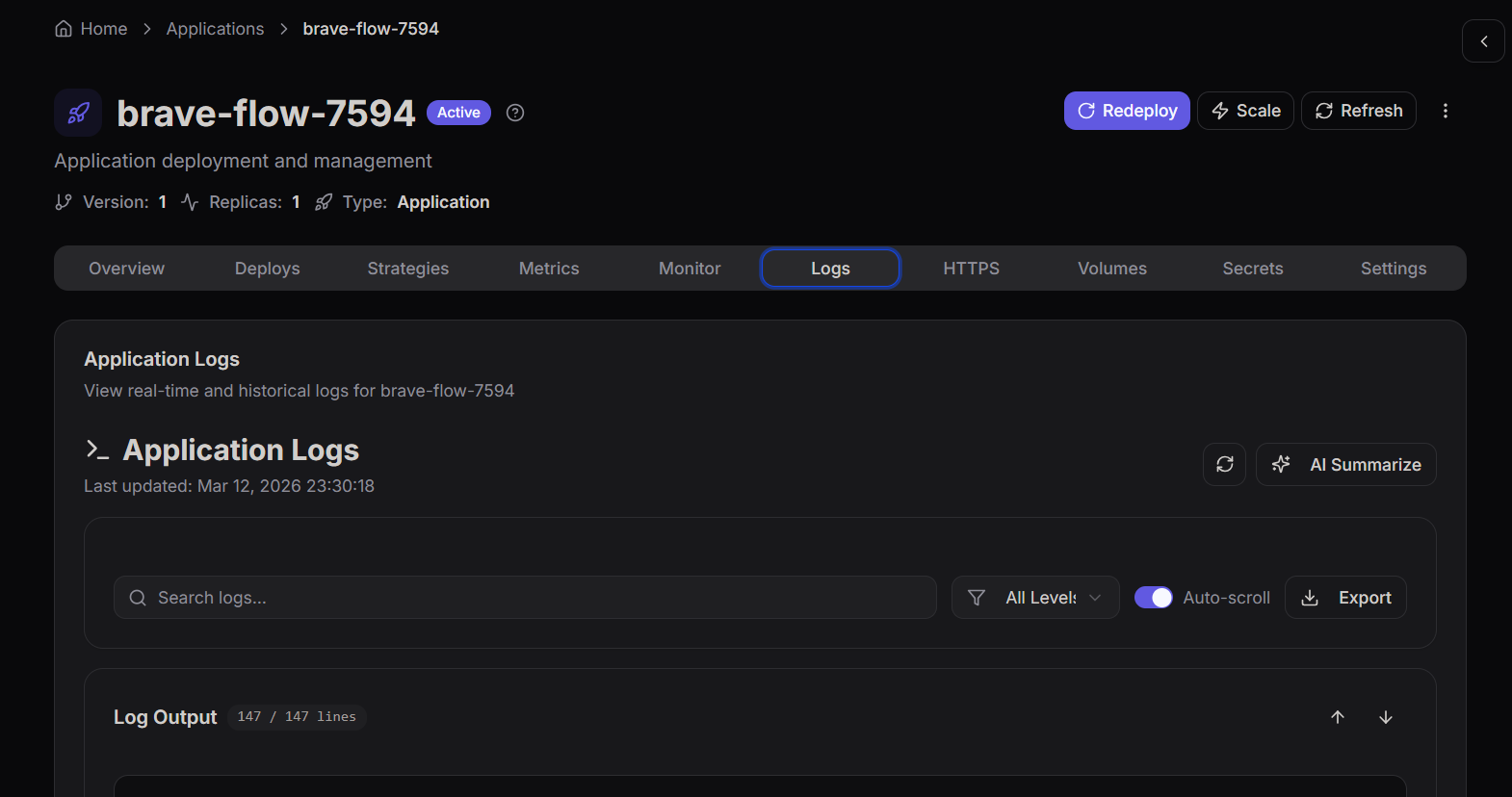
The Logs tab provides real-time and historical logs generated by your deployed application.
Logs are essential for troubleshooting issues, analyzing system behavior, and understanding how your application is performing.
This page allows developers and operators to inspect log output directly from the running application.
Accessing Application Logs
To open the log viewer:
- Navigate to Workloads in the sidebar.
- Click Applications.
- Select the application you want to inspect.
- Open the Logs tab.
The logs dashboard will display recent logs generated by the application.
Log Output
The Log Output section displays the actual log entries generated by the running container.
These logs may include:
- Application startup messages
- Runtime information
- System warnings
- Error messages
- Debug output
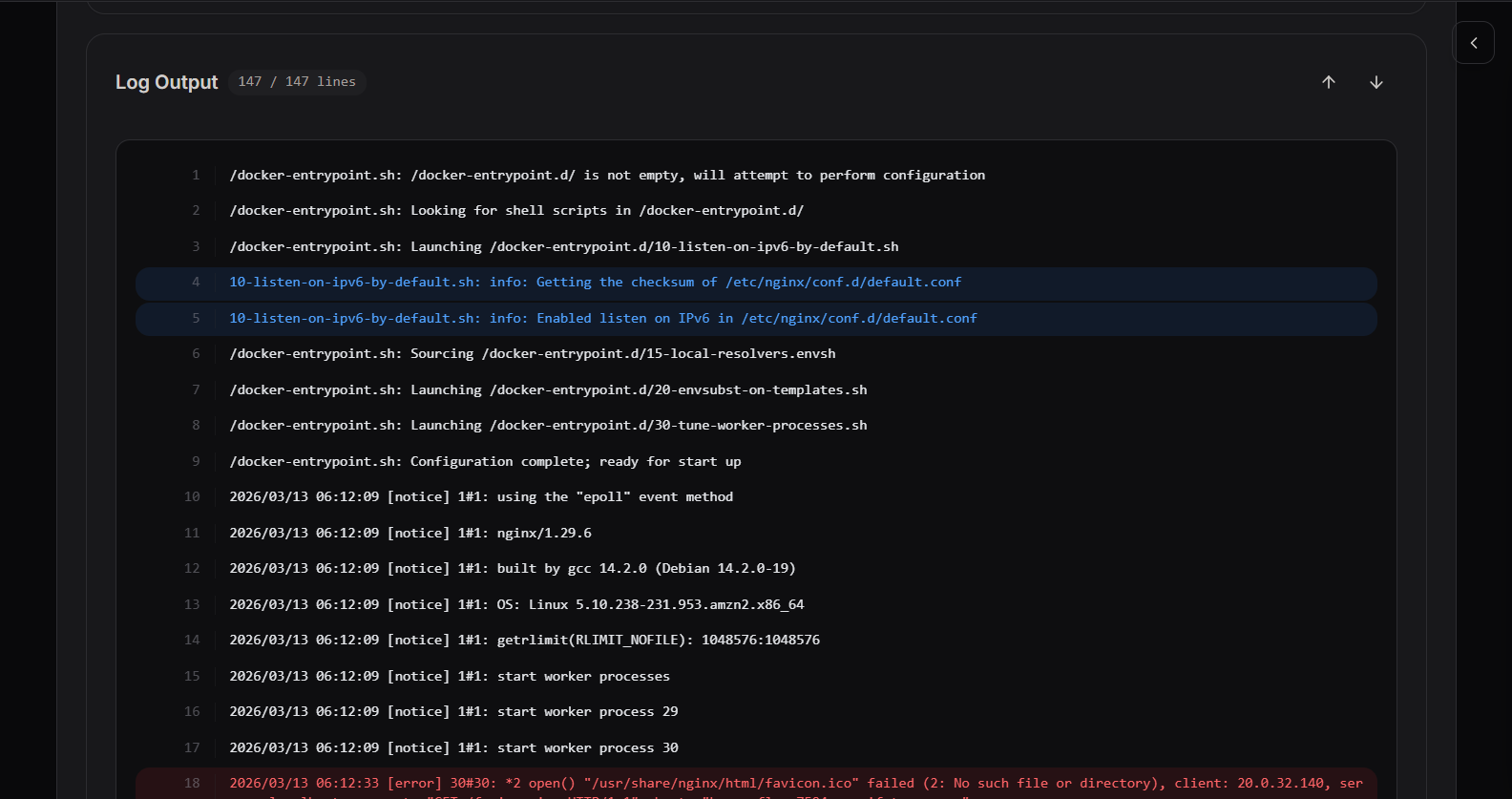
Logs help identify what is happening inside the container during execution.
Log Viewer Features
The log viewer includes several tools to help analyze log data efficiently.
Search Logs
Use the search field to locate specific log entries such as errors, request IDs, or timestamps.
Searching helps quickly find relevant events in large log streams.
Log Level Filter
You can filter logs by severity level.
| Level | Description |
|---|---|
| Info | Informational messages |
| Warning | Potential issues |
| Error | Application or system failures |
| Debug | Detailed diagnostic information |
Filtering helps focus on critical issues.
Auto Scroll
When Auto-scroll is enabled, the viewer automatically moves to the newest log entries.
This is useful when monitoring logs in real time during deployments or debugging sessions.
Export Logs
Logs can be exported for further analysis.
Exported logs help with:
- Debugging issues locally
- Sharing logs with team members
- Incident investigations
- Long-term storage
Why Application Logs Matter
Logs are a critical part of operating production systems.
They help teams:
- Diagnose application errors
- Understand system behavior
- Monitor deployments
- Investigate incidents
- Track application activity
By regularly monitoring logs, teams can detect issues early and maintain application stability.